
Log the meal. Keep the data.
PocketMacro turns a food photo into an editable calorie and macro estimate. The model runs on your iPhone, shows what it is unsure about, and never needs an account.
Now live on the App Store · 3-day AI trial · then $4.99 once · no subscription
A 15-second showreel with music: four ways to log a meal, a typed meal split into foods on the phone, an estimate shown as a 423 to 787 calorie range, the daily calorie ring filling as meals are logged, the coach, and the $4.99 one-time price.
Pay for the app. Keep using it.
No monthly renewal and no premium tier waiting behind the next screen. PocketMacro is $4.99 once.
Nothing to cancel later.
Illustration: subscription renewals stacking over six months, then PocketMacro with nothing to renew.
PocketMacro
Nothing to renew.
From photo to a log you control.
Snap the meal
Use a photo when typing every ingredient would slow you down.
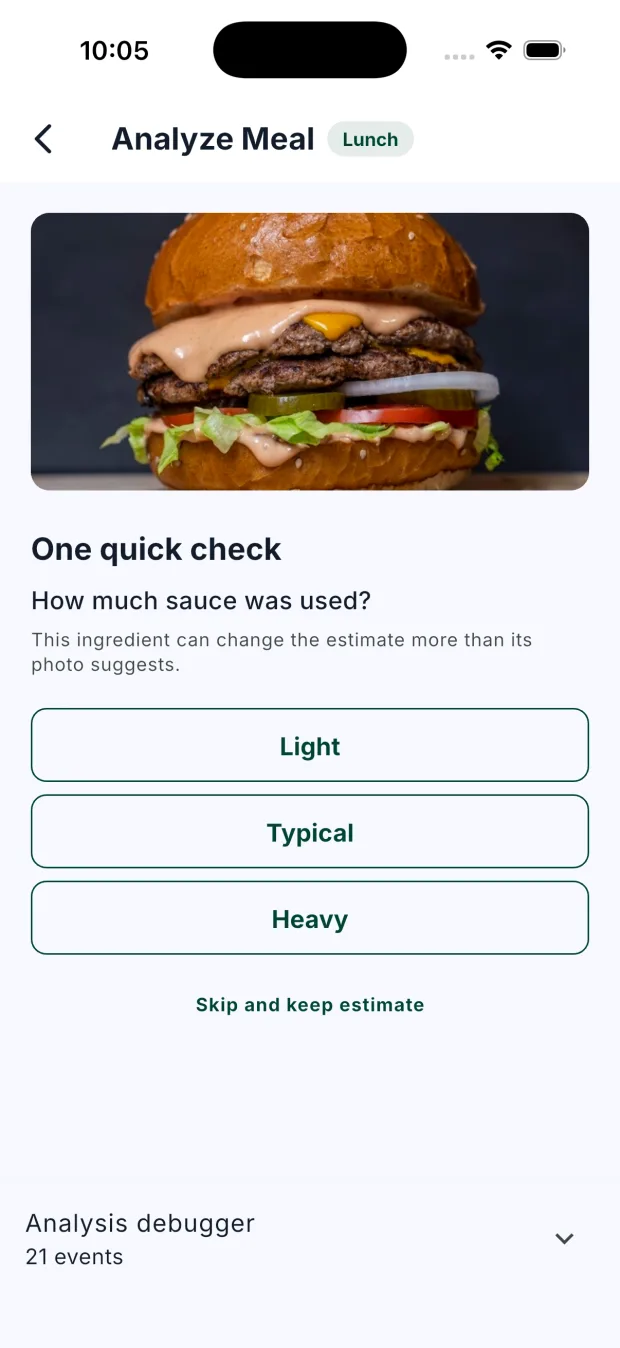
Clarify the uncertain part
Answer one useful question when a sauce or portion can change the estimate.
Review before saving
Edit foods, weights, and portions without starting the meal over.
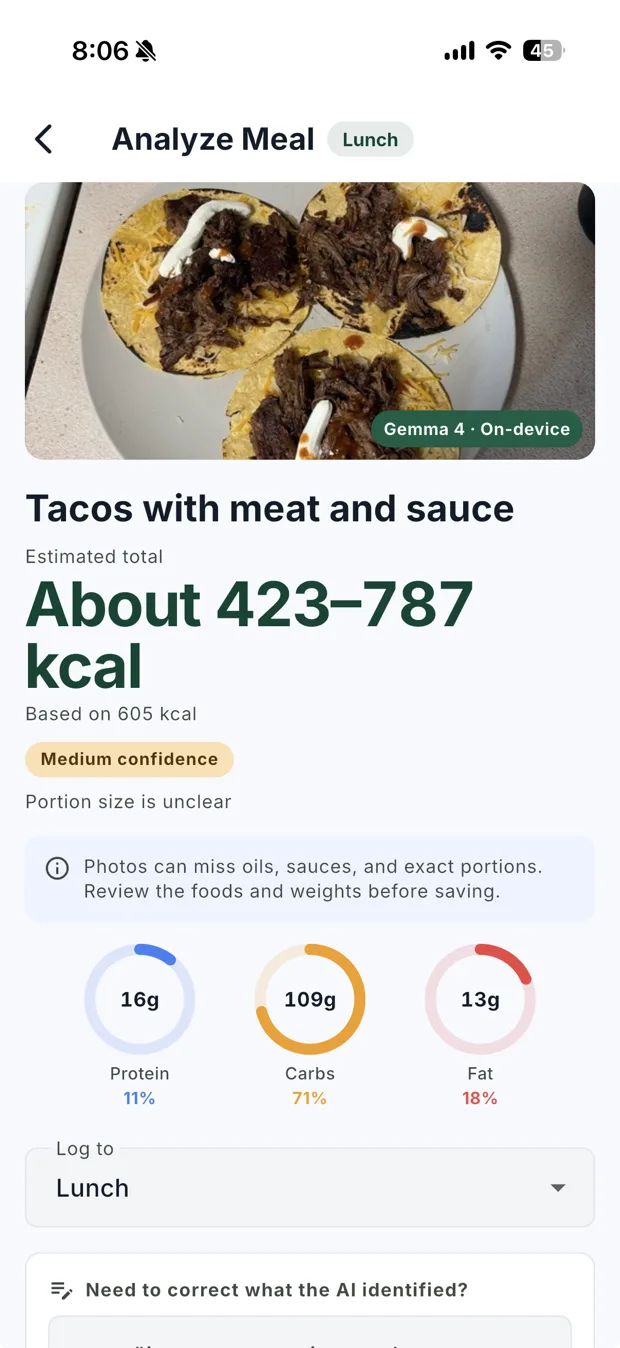
Estimated total about 423 to 787 kcal, based on 605 kcal. Medium confidence.
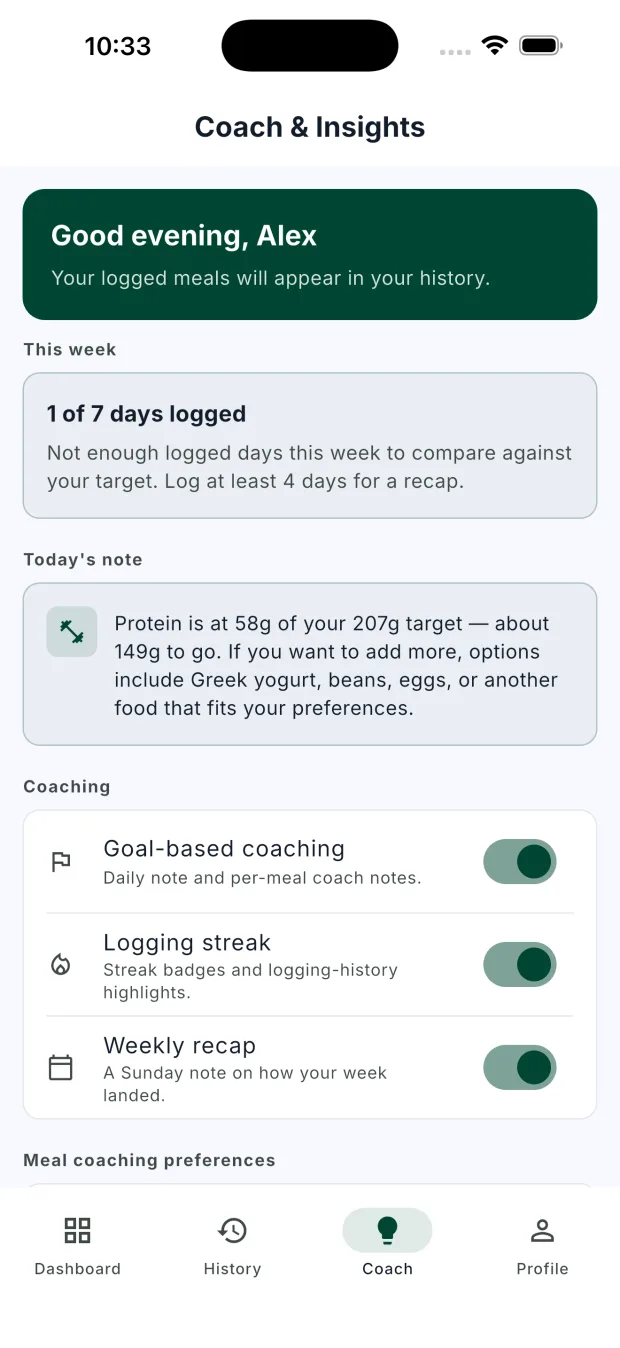
Today's note
Protein is at 58g of your 207g target, about 149g to go.
You choose how the coach talks.
Start supportive, ask for a straighter answer, or opt into tougher accountability. Then point the coach toward what matters to you.
Gentle, practical context that keeps the next step manageable.
Dietary style, allergies, and foods to avoid can guide suggestions too. Coaching is informational and not medical advice.
Private from first launch to final export.
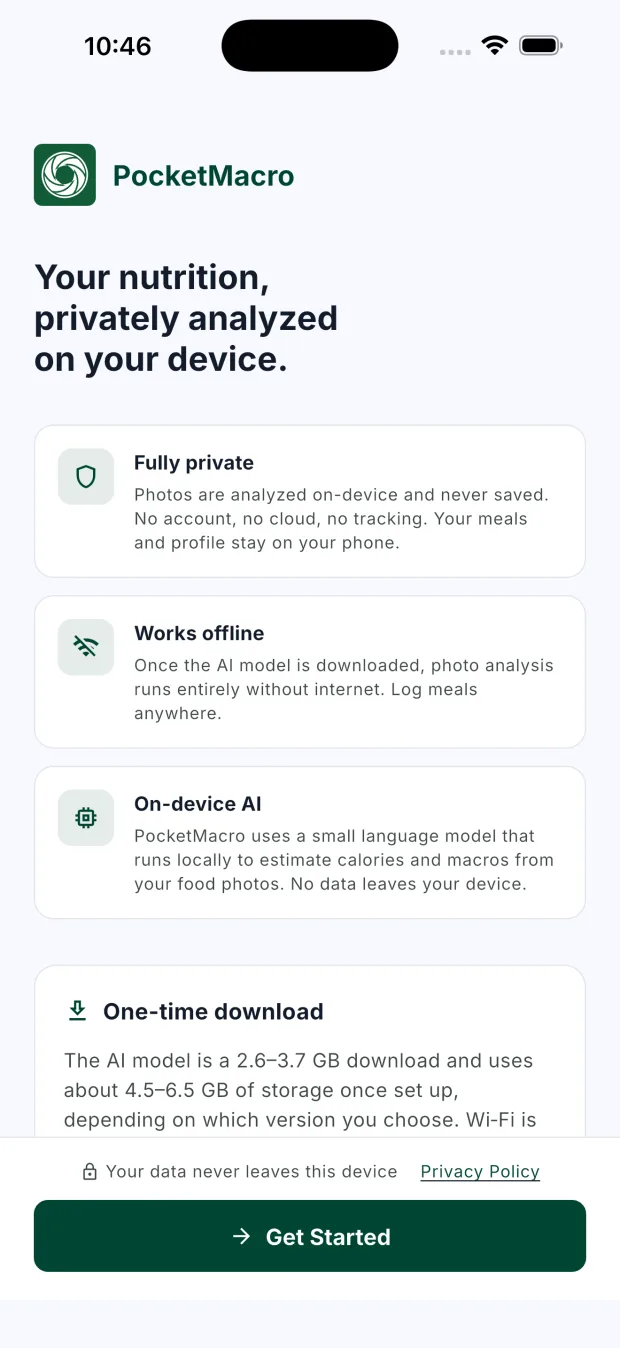
PocketMacro does not need an account or a meal-history server. The app explains its local model before setup and keeps the data controls on your device.
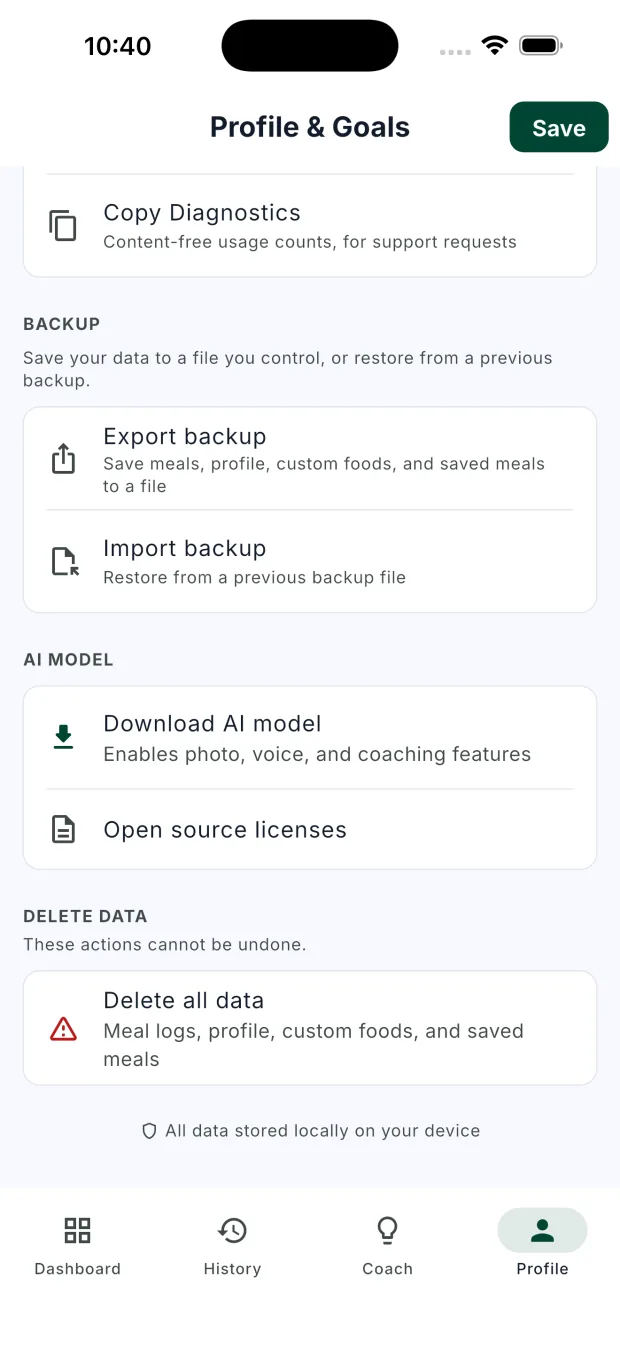
- Photo analysis and meal history stay on your iPhone.
- Normal logging works offline after the model download.
- Backups export to a file you control.
Initial setup downloads an approximately 2.6 GB model. Wi-Fi is recommended; allow about 4.5 GB for its on-device footprint after first use.
Built for how you actually log.
Confidence ranges
Estimates show a range, not a fake-precise number. Honest about what a photo can and cannot tell you.
Coaching you control
Supportive by default, with Direct and Tough Love available when you explicitly choose them.
Barcode scanning
Scan packaged foods for labeled nutrition when a photo estimate is not the right tool.
Apple Health sync
Optional. Reads weight, steps, and workouts, and can log meal calories and macros if you turn it on. Health data stays on your phone.
Fully offline after setup
After the one-time model download, analysis and logging work without a connection.
Straight answers
Common questions
- How much does PocketMacro cost?
- Manual logging, food search, barcode scanning, history, weight tracking, and Apple Health are free. AI photo analysis, typed meal descriptions, and coaching have a 3-day free trial, then need a one-time $4.99 purchase. There is no subscription.
- What happens when the 3-day trial ends?
- The AI features lock until you make the one-time $4.99 purchase. Manual logging, food search, barcode scanning, history, weight tracking, and Apple Health continue to work.
- Does my data leave my iPhone?
- Meal photos are analyzed on-device and meal history stays on your iPhone. Optional food searches use USDA FoodData Central, barcode lookups use Open Food Facts, and the AI model is downloaded from Hugging Face. Those requests do not include an account or meal photo.
- How large is the AI model download?
- The download is about 2.6 GB. The model uses about 4.5 GB on-device after first use, and setup needs about 6 GB free. Wi-Fi is recommended.
- Which iPhones can run the AI features?
- AI analysis requires an iPhone with an A12 Bionic chip or newer, such as iPhone XS or XR and later. You can still use manual logging, food search, and barcode scanning without downloading the AI model.
- How accurate are photo calorie estimates?
- A photo cannot show exact ingredient weights or hidden cooking fats. PocketMacro shows an estimate you can review and correct before saving. Use it as a practical guide, not a precise measurement.
3-day AI trial, then $4.99 once · pricing & privacy details
Photos stay on your device. Nothing to upload, nowhere to send it.